
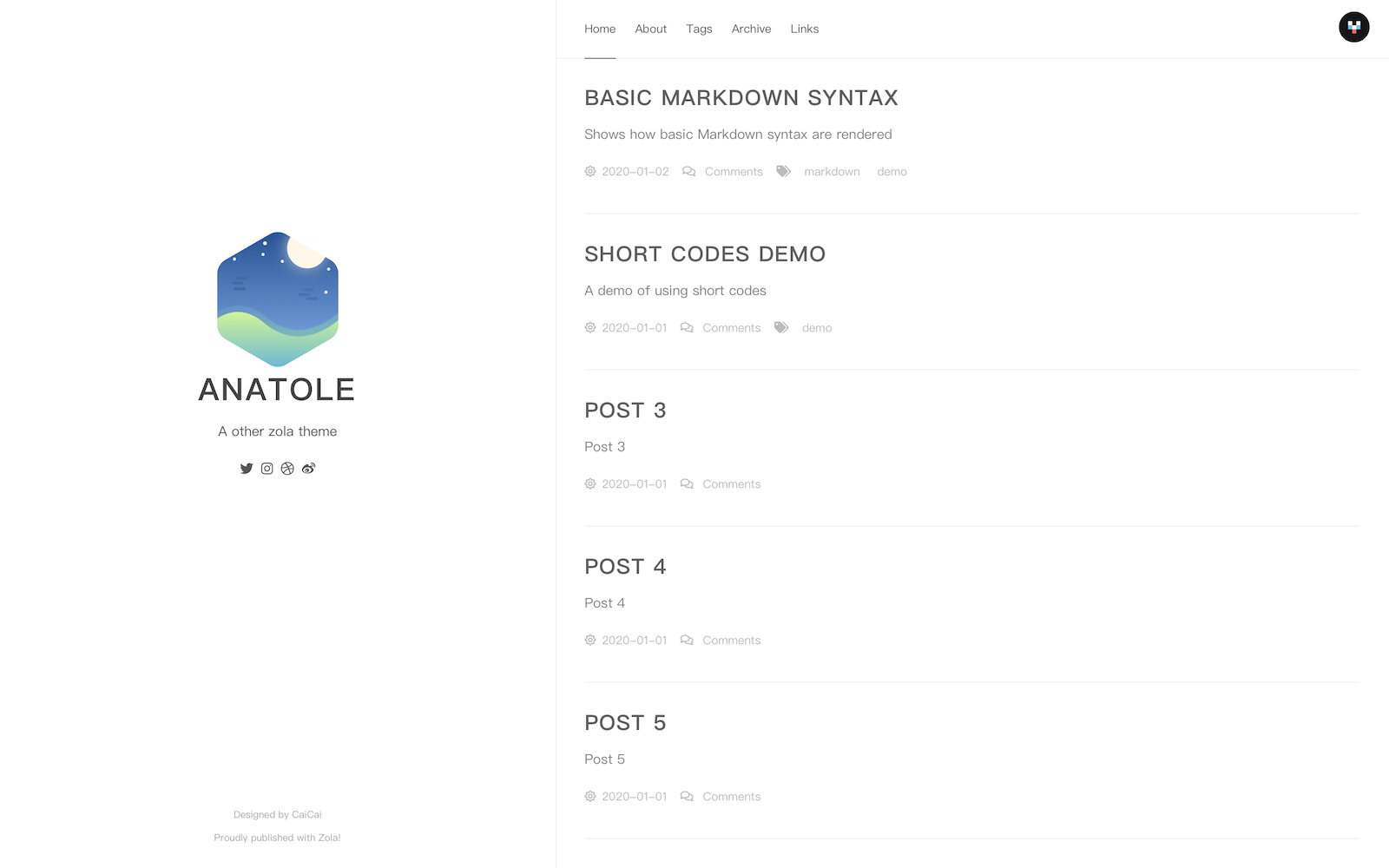
Anatole theme for Farbox ported to Zola
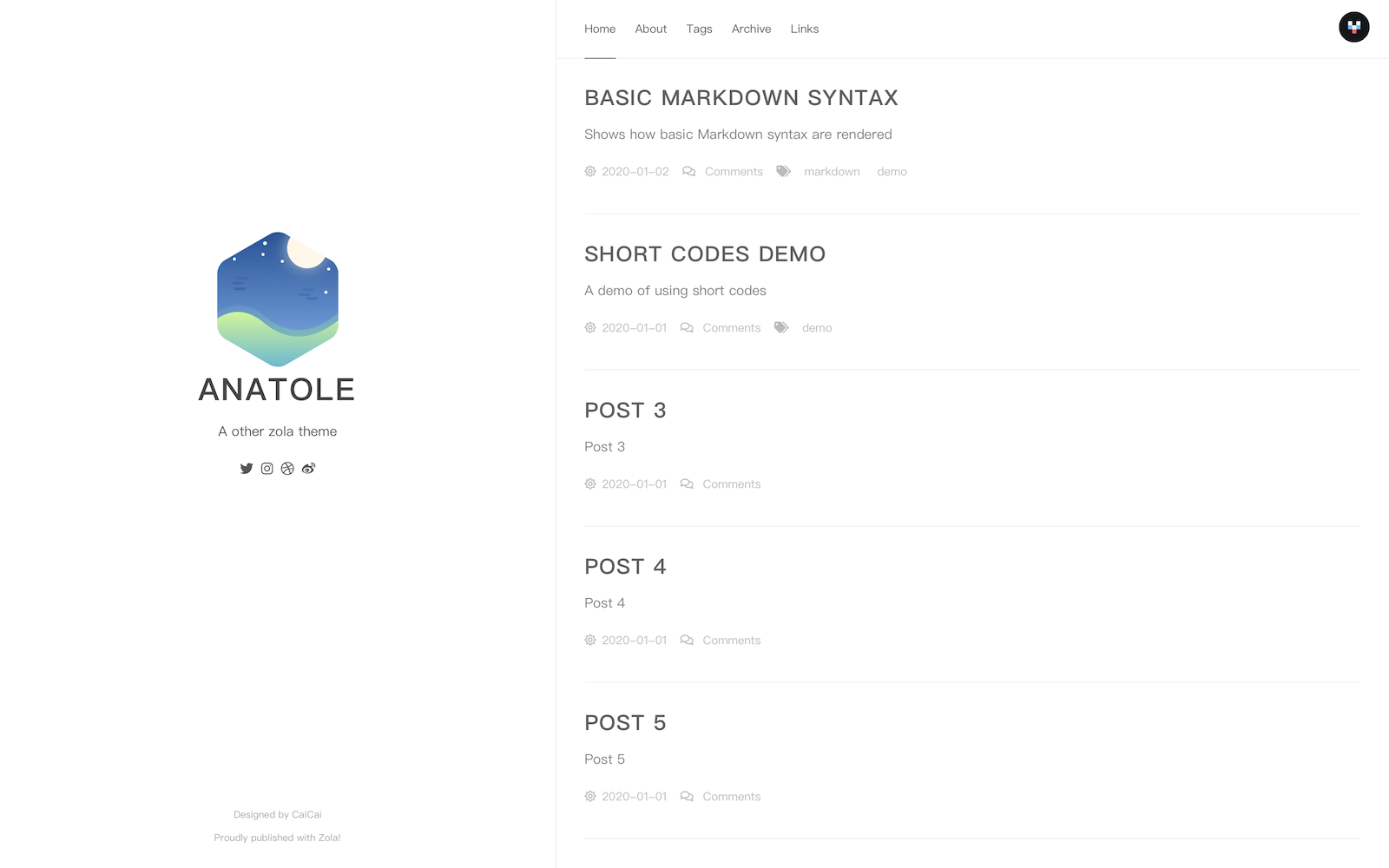
Zola Homepage | Demo with customizations


First download this theme to your themes directory:
$ cd themes
$ git clone https://github.com/longfangsong/anatole-zola.git
and then enable it in your config.toml:
theme = "anatole-zola"And copy the content/about, content/archive, content/_index.md in the theme folder to your own content folder. And edit the _index.md in about folder to edit the content of your about page.
Add title, description and base_url:
title = "Anatole"
description = "A other zola theme"
base_url = "https://example.com"Though the origin theme only support light mode, we added a dark mode option here.
You can either
extra.mode field in config.toml to use the dark/light modeextra.default_mode field in config.toml to read the dark/light mode from localStorage (the key is 'mode'), and use some Javascript to control the theme each reader is usingCurrently, we have English, Chinese, German and Swedish translations, set the default_language if necessary:
# 如果你想要中文
default_language = "zh"
If there are complications, you can copy this snippet to your config.toml:
[languages.en.translations]
language_name = "English"
about = "About"
home = "Home"
tags = "Tags"
archive = "Archive"
links = "Links"
date_format = "%Y-%m-%d"
next_page = "Next Page"
last_page = "Last Page"

[languages.zh.translations]
language_name = "中文"
home = "首页"
about = "关于"
tags = "标签"
archive = "归档"
links = "友链"
date_format = "%Y-%m-%d"
next_page = "下一页"
last_page = "上一页"

[languages.de.translations]
language_name = "Deutsch"
about = "Info"
home = "Home"
tags = "Kategorien"
archive = "Archiv"
links = "Links"
date_format = "%d-%m-%Y"
next_page = "Nächste Seite"
last_page = "Vorherige Seite"

[languages.sv.translations]
language_name = "Svenska"
about = "Info"
home = "Hem"
tags = "Etiketter"
archive = "Arkiv"
links = "Länkar"
date_format = "%Y-%m-%d"
next_page = "Nästa Sidan"
last_page = "Sista Sidan"
Feel free to create a pull request if you want to translate the theme into other languages!
The theme will become multilingual automatically if you specify another language except default_language.
You'll see a language-switching button on top right.
Tags and links sections are optional.
If you want to enable the tags page, add
taxonomies = [
  {name = "tags"},
]

[extra.show]
tags = true
To your config.toml
If you want to enable the links page, add
[extra.show]
links = true
and copy content/links to your own content library. And edit the _index.md in it to modify its content.
If you want to add the author's name on each page, add:
[extra]
author = "John Doe"We support a bunch of social links:
[extra.social]
github = ""
gitlab = ""
stackoverflow = "" # use user_id
twitter = ""
mastodon = "" # use hostname/@username
facebook = ""
instagram = ""
dribbble = ""
weibo = ""
linkedin = ""
flickr = ""
Fill in your username if you want! And the logo won't appear if you leave it empty.
We currently support...
[extra.comment.valine]
appid = "Your appid goes here"
appkey = "Your appkey goes here"
notify = false # true/false: mail notify https://github.com/xCss/Valine/wiki/Valine-%E8%AF%84%E8%AE%BA%E7%B3%BB%E7%BB%9F%E4%B8%AD%E7%9A%84%E9%82%AE%E4%BB%B6%E6%8F%90%E9%86%92%E8%AE%BE%E7%BD%AE
verify = false # true/false: verify code
avatar = "mm" # avatar style https://github.com/xCss/Valine/wiki/avatar-setting-for-valine
placeholder = "Say something here"[extra.comment.disqus]
name = "longfangsong"[extra.comment.utterances]
repo = "Your repo for comments"
issue_term = "pathname"
theme = "github-light"There are several options I left in the origin templates for you to customize your site.
You can create a blog.scss or something similiar in the your sass folder, add a templates.html with following content:
{%/* extends "anatole-zola/templates/basic.html" */%}
{%/* block extra_head */%}
<link rel="stylesheet" href="{{ get_url(path="blog.css") }}">
{%/* endblock */%}You can add more social links by adding a templates.html with some content added to more_social_link block:
{%/* extends "anatole-zola/templates/basic.html" */%}
{%/* block more_social_link */%}
<div id="pirate" data-wordart-src="//cdn.wordart.com/json/685czi4rqil5" style="width: 100%;" data-wordart-show-attribution></div>
{%/* endblock */%}
If you want to use some awesome logos, FontAwesome icons are already available.