
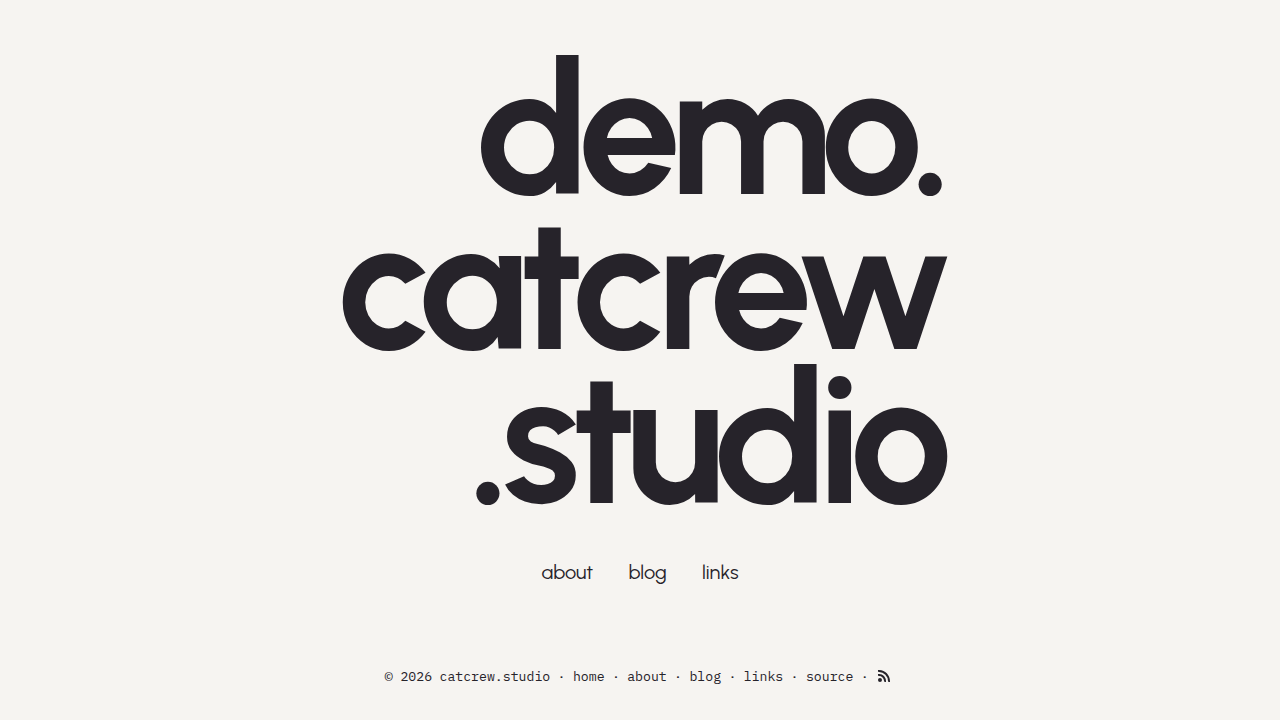
A light and modern lifestyle blog theme for Zola.
Requires Zola 0.23.4 or later; this demo is validated with 0.23.4.
From your Zola site's root, add the theme as a Git submodule:
git submodule add https://git.colorized.life/demo.catcrew.studio.git themes/catcrewAlternatively, clone it into the same directory:
git clone https://git.colorized.life/demo.catcrew.studio.git themes/catcrewSet the top-level theme = "catcrew" in your site's zola.toml, as shown below.
For a homepage-only consumer site, use this minimal zola.toml. Empty link
arrays override the default navigation until you add the corresponding pages.
Keep a content/ directory in your site; no demo content is inherited.
base_url = "https://example.com"
title = "My Site"
theme = "catcrew"
compile_sass = true

[extra]
nav_links = []
header_links = []
footer_links = []These are the complete reusable [extra] theme defaults from theme.toml.
Override them under [extra] in your site's zola.toml:
[extra]
site_title = "My Site"
copyright_holder = "Your Name"

header_links = [
  { name = "home", path = "/" },
  { name = "about", path = "/about" },
  { name = "blog", path = "/blog" },
  { name = "links", path = "/links" },
]

footer_links = [
  { name = "home", path = "/" },
  { name = "about", path = "/about" },
  { name = "blog", path = "/blog" },
  { name = "links", path = "/links" },
]

nav_links = [
  { name = "about", path = "/about" },
  { name = "blog", path = "/blog" },
  { name = "links", path = "/links" },
]header_links, footer_links, and nav_links share the same { name, path }
format. path may be a local path or an absolute URL. header_links controls
navigation on interior pages, while nav_links controls the landing-page
navigation and normally omits home because the visitor is already there.
Sites with cross-host webserver routing can override the header and footer
home paths independently, such as with /home.
copyright_url is an optional override; when omitted, the copyright link
uses config.base_url. copyright_holder defaults to Your Name from the
theme. The optional landing_lines and feed_path settings have no theme
defaults.
Create the corresponding content before enabling the default links. The following routes and templates describe the branded demo:
| Route | Template | Description |
|---|---|---|
/ | index.html | Stacked wordmark and config-driven navigation |
/about | about.html | Mobile-first editorial About page |
/blog | blog.html | Paginated blog listing |
/blog/* | post.html | Individual blog post |
/links | links.html | External links (header nav) |
The branded demo adds this source entry to footer_links under [extra]
(merge it with the other entries you want to retain):
[extra]
footer_links = [
  { name = "source", path = "https://git.colorized.life/demo.catcrew.studio/about/" },
]
Because path accepts an absolute URL, this source link works directly without
a deployment redirect. Navigation uses { name, path }; links-page items use
{ name, url } as documented below.
Consumer customization example for an optional copyright URL override:
[extra]
copyright_url = "https://example.com"
The landing page displays site_title by default. To replace it with a
multi-line wordmark, define the optional landing_lines array. Each line
accepts left, center, or right alignment. Consumer customization example:
[extra]
landing_lines = [
  { text = "example", align = "left" },
  { text = ".com", align = "right" },
]To show the Atom feed links, set feed_path to a feed-enabled section. For
example, add feed_path = "/blog" under [extra], keep atom.xml in the
top-level feed_filenames, and set generate_feeds = true in that section's
front matter.
Page-bundled images can be placed with the image component. Alt text is
independent from the optional visible caption:
{{/* <image url="juniper.jpg" position="left" alt="Juniper sitting by a window" content_path={page.path} /> */}}

{{/* <image url="fig.jpg" position="right" alt="Fig asleep on a blanket" caption="Fig at rest" content_path={page.path} /> */}}
Components live in templates/components/image.html. Pass content_path={page.path}
for page bundles or content_path={section.path} in section Markdown. The
component has no implicit page or section context. Root-relative paths and
external URLs do not require content_path.
| Parameter | Default | Description |
|---|---|---|
url | Required | Image path or URL |
content_path | "" | Prefix for relative image and thumbnail paths |
url_min | "" | Optional thumbnail; links to the full image |
alt | "" | Alternative text, separate from the caption |
caption | "" | Optional visible plain-text caption |
position | "full" | Layout position |
Local image URLs retain cache busting. HTTP, HTTPS, and protocol-relative URLs are used directly. Text and HTML attributes are escaped.
Supported positions are full (the default), center, left, and right.
Every position uses a centered, contained medium width on mobile; position-based
sizing and text wrapping begin at the desktop breakpoint.
Consumer links-page front matter example for a page using template = "links.html"
(inside its +++ delimiters):
[[extra.links]]
name = "example.com"
url = "https://example.com"
The optional Linktree importer writes this front matter as a complete page:
python3 themes/catcrew/scripts/extract_linktree_links.py \
  https://linktr.ee/example --output content/links.md
Omit --output to print the generated page instead of replacing a file.
| Token | Name | Hex | Role |
|---|---|---|---|
text | Soft Ink | #26232A | Foreground |
bg | Bone | #F6F4F1 | Background |
muted | Whiskey Grey | #716B67 | Muted accent |
glow | Sky | #7EC8E8 | Primary accent, link hover background |
accent | Window Blue | #3C739C | Secondary accent |
tertiary | Ground Nutmeg | #9E593D | Tertiary accent |
MIT; see LICENSE.