
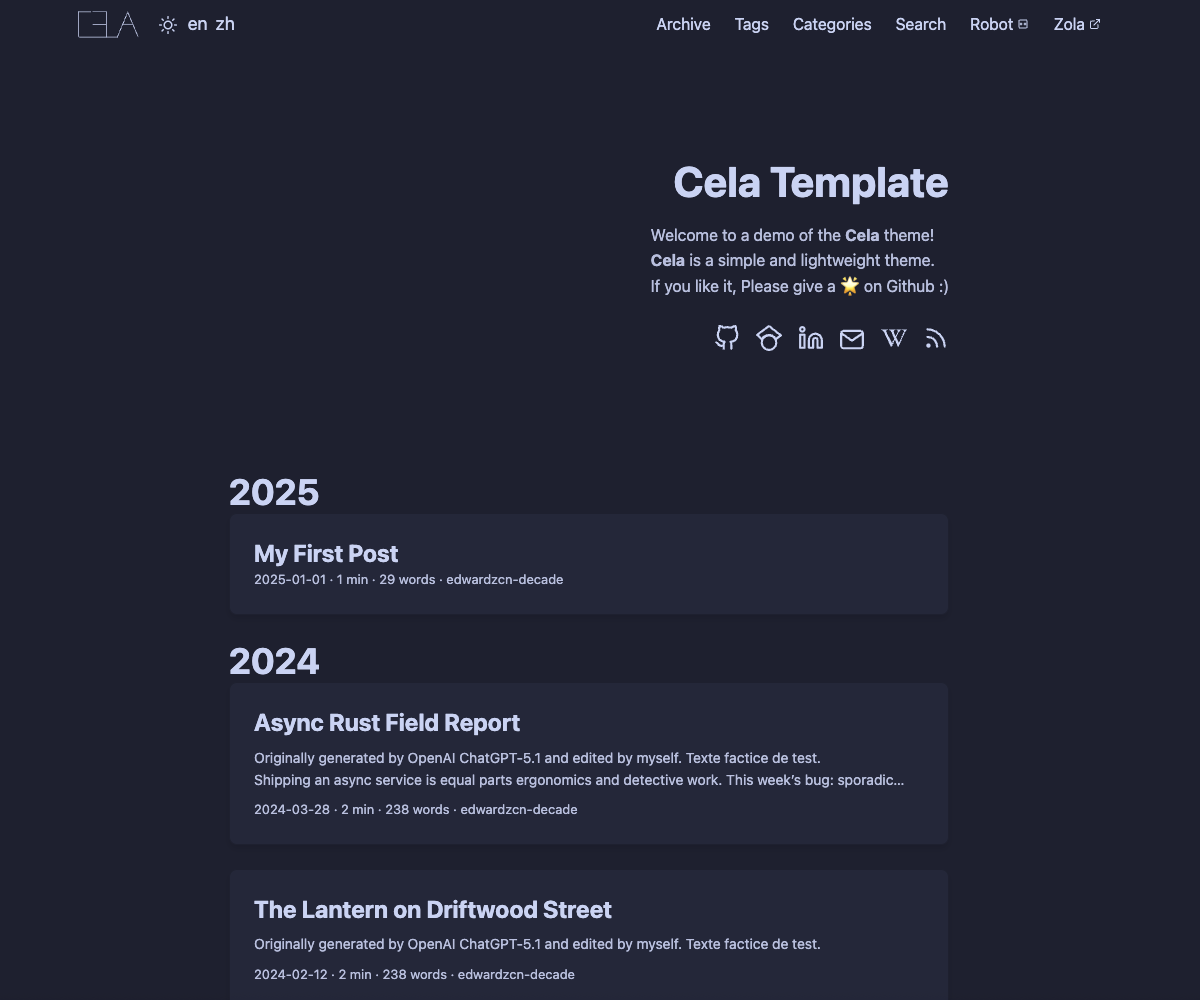


Cela is a simple, lightweight Zola theme, inspired by Hugo PaperMod.
The style sheet is adapted from Catppuccin. If you like it, please give it a 🌟 on GitHub. Thanks!
Cela provides Hexo/Hugo-like tags and categories, compatible with Zola taxonomies. In front matter:
[taxonomies]
tags = ["Rust", "Zola"]
categories = ["Programming"]
or in YAML style:
taxonomies:
  tags: ["Rust", "Zola"]
  categories: ["Programming"]
Zola taxonomies as recommended are more powerful for structuring your contents. See zola taxonomies for more information.
If you only need installation of the theme, skip to Theme Installation.
# macOS
brew install zola
# Alpine Linux
apk add zola
# Arch Linux
pacman -S zola
# Docker
docker pull ghcr.io/getzola/zola:v0.19.1Creates your first Zola site.
If myblog already exists but only contains hidden files (like .git), Zola will alswo populate the site.
zola init myblog
# or
# populate the current directory
zola init
Any choices you make during the initialization can be changed later in the config.toml file.
git submodule add https://github.com/edwardzcn-decade/cela themes/cela
git submodule update --init --force --recursive
git submodule sync
Then set the theme in your config.toml file.
theme = "cela"theme in config.toml.[!NOTE]
If you find this project helpful and would like to support its development, see our CONTRIBUTING and CODE_OF_CONDUCT guidelines.
MIT