
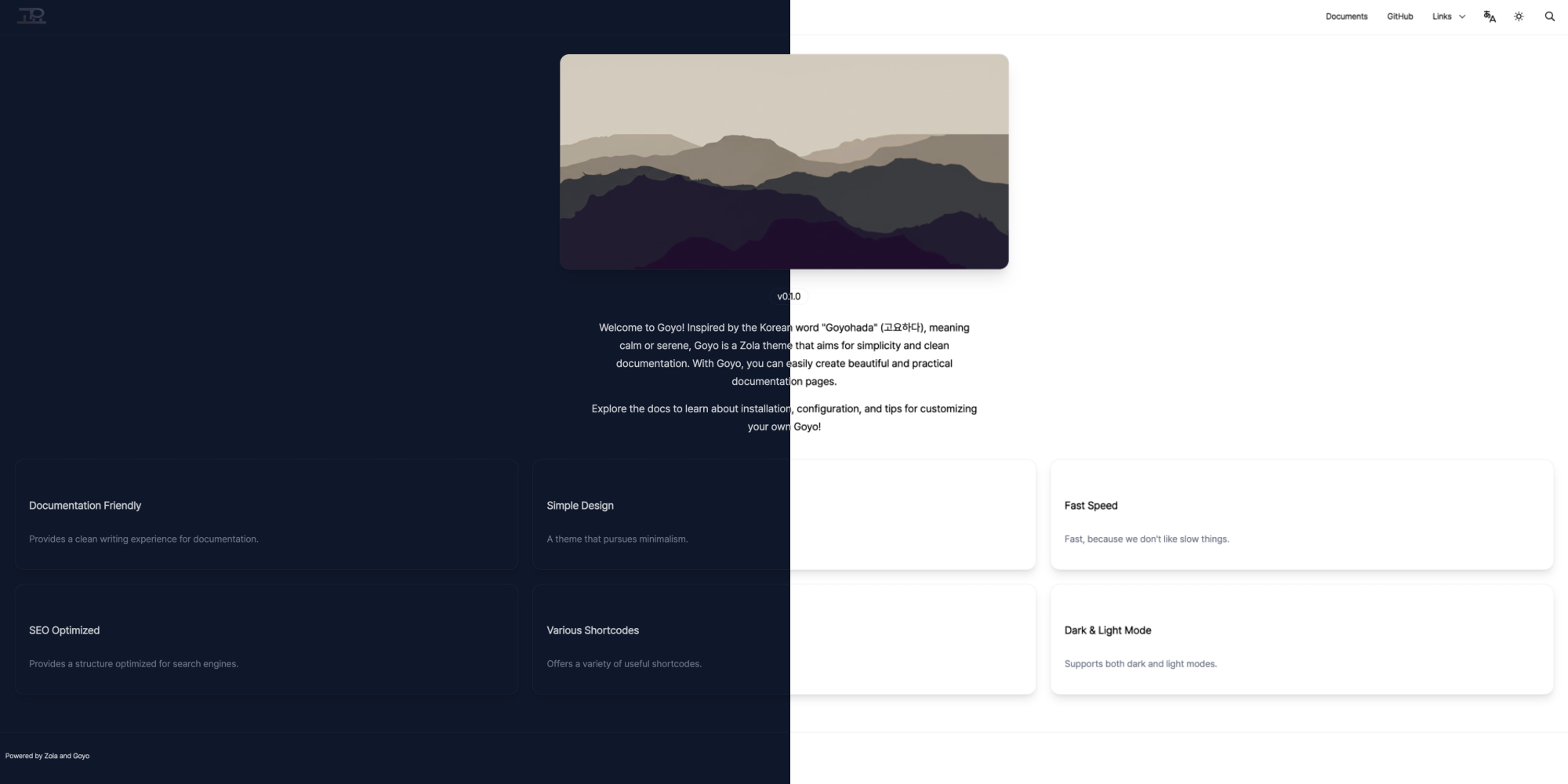
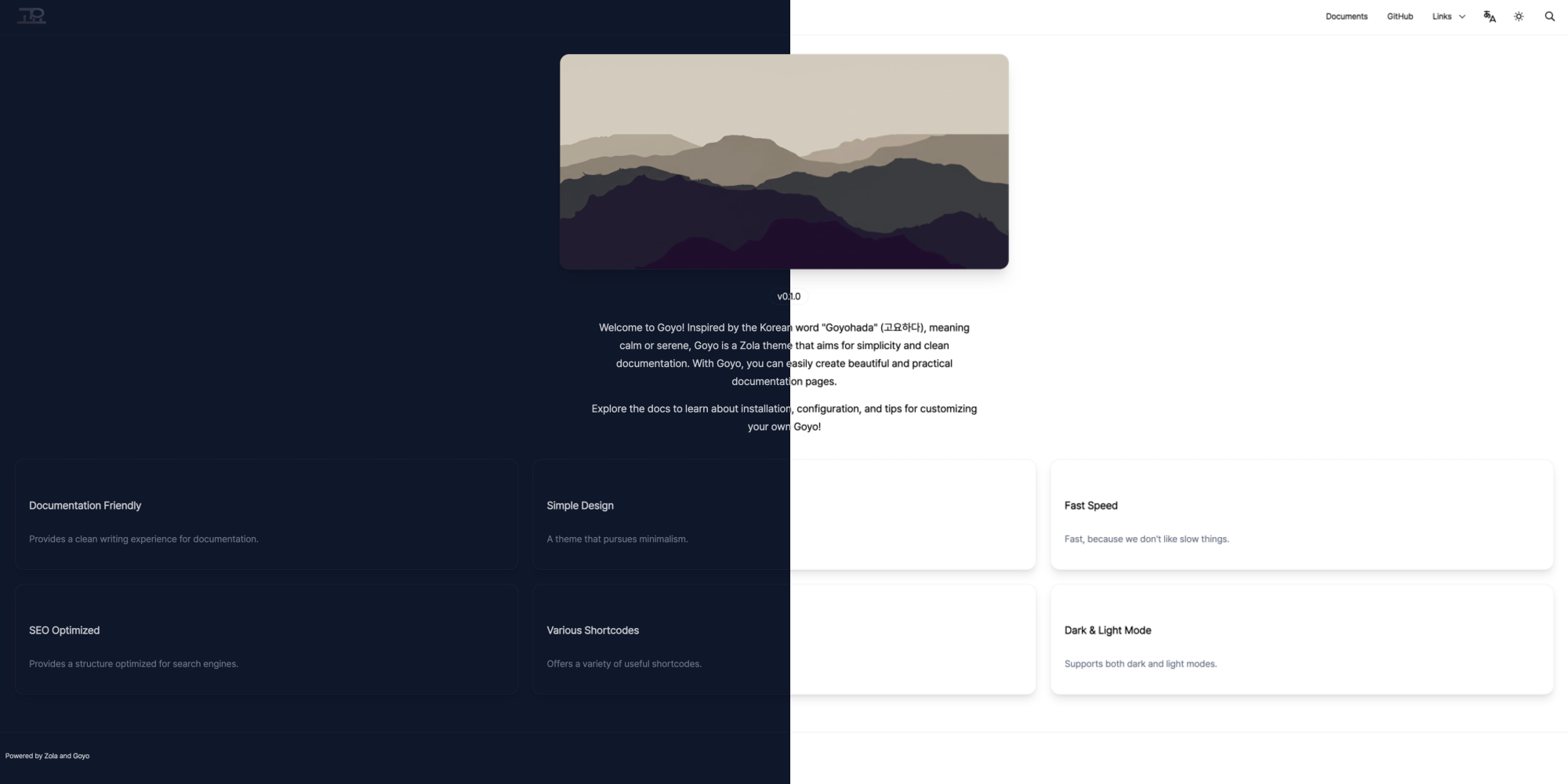
Goyo is a Zola theme that aims for simplicity and clean documentation.





Make your zola app
zola init yoursite
cd yoursite
Add the theme as a git submodule:
git init  # if your project is a git repository already, ignore this command
git submodule add https://github.com/hahwul/goyo themes/goyo
Or clone the theme into your themes directory:
git clone https://github.com/hahwul/goyo themes/goyoThen set goyo as your theme in config.toml.
title = "Your Docs"
theme = "goyo"Add extra field in config.toml
[extra]
# Navigation Configuration
nav = [
  { name = "Documents", url = "/introduction", type = "url", icon = "fa-solid fa-book" },
  { name = "GitHub", url = "https://github.com/hahwul/goyo", type = "url", icon = "fa-brands fa-github" },
  { name = "Links", type = "dropdown", icon = "fa-solid fa-link", members = [
    { name = "Creator Blog", url = "https://www.hahwul.com", type = "url", icon = "fa-solid fa-fire-flame-curved" }
  ] }
]

# Navigation Configuration (i18n / optional)
# `nav_{lang}`: Language-specific navigation menu (e.g., `nav_ko` for Korean).
# If defined, it will be used instead of the default `nav` for that language.
nav_ko = [
    { name = "문서", url = "/ko/introduction", type = "url", icon = "fa-solid fa-book" },
    { name = "GitHub", url = "https://github.com/hahwul/goyo", type = "url", icon = "fa-brands fa-github" },
    { name = "링크", type = "dropdown", icon = "fa-solid fa-link", members = [
        { name = "제작자 블로그", url = "https://www.hahwul.com", type = "url", icon = "fa-solid fa-fire-flame-curved" },
    ] },
]

# Footer Configuration
footer_html = "Powered by <a href='https://www.getzola.org'>Zola</a> and <a href='https://github.com/hahwul/goyo'>Goyo</a>"  # Footer HTML content

# Thumbnail Configuration
default_thumbnail = "images/default_thumbnail.jpg"  # Default thumbnail image path

# Google Tag Configuration
gtag = ""  # Google Analytics tracking ID

# Language Configuration
[extra.lang]
rtl = []  # List of RTL languages e.g. ["ar", "he"]
aliases = { en = "English", ko = "한국어" }  # Language display names for the language selector

# Edit URL Configuration
edit_url = ""  # Base URL for editing pages (e.g., "https://github.com/user/repo/edit/main")

# Logo Configuration (new structured format)
# Supports theme-specific logos that change when toggling between dark/light themes
[extra.logo]
text = "Goyo"  # Text to display if no logo image
image_path = "images/goyo.png"  # Default logo image path
# image_padding = "5px"  # Padding for logo image (optional)
# dark_image_path = "images/goyo-dark.png"  # Logo for dark theme (optional override)
# light_image_path = "images/goyo-light.png"  # Logo for light theme (optional override)

# Legacy logo configuration (still supported for backward compatibility)
# logo_text = "Goyo"
# logo_image_path = "images/goyo.png"
# logo_image_padding = "5px"

# Twitter Configuration (new structured format)
[extra.twitter]
site = "@hahwul"  # Site Twitter handle
creator = "@hahwul"  # Creator Twitter handle

# Legacy Twitter configuration (still supported for backward compatibility)
# twitter_site = "@hahwul"
# twitter_creator = "@hahwul"

# Theme Configuration (new structured format)
[extra.theme]
colorset = "dark"           # Default color scheme (dark/light)
brightness = "normal"       # Common brightness: "darker", "normal", "lighter"
# dark_brightness = "darker"  # Override brightness for dark theme (optional)
# light_brightness = "normal" # Override brightness for light theme (optional)
disable_toggle = false      # Hide theme toggle button
default_theme_dark = "goyo-dark" # Default dark theme (e.g., "goyo-dark", "dracula", "abyss")
default_theme_light = "goyo-light" # Default light theme (e.g., "goyo-light", "cupcake", "retro")

# Legacy theme configuration (still supported for backward compatibility)
# default_colorset = "dark"
# brightness = "normal"
# disable_theme_toggle = false

# Font Configuration (new structured format)
[extra.font]
enabled = false  # Set to true to use custom font
name = ""        # Name of the custom font (e.g., "Roboto", "Noto Sans KR")
path = ""        # Local path (e.g., "fonts/custom.woff") or remote URL

# Legacy font configuration (still supported for backward compatibility)
# custom_font_enabled = false
# custom_font_name = ""
# custom_font_path = ""

# Sidebar Configuration (new structured format)
[extra.sidebar]
expand_depth = 1         # Sidebar expansion depth (max 5)
disable_root_hide = false # Prevent hiding sidebar on root page

# Legacy sidebar configuration (still supported for backward compatibility)
# sidebar_expand_depth = 1
# disable_root_sidebar_hide = false

# Share Buttons Configuration (new structured format)
[extra.share]
copy_url = false  # Copy URL button
x = false         # Share on X button

# Legacy share configuration (still supported for backward compatibility)
# enable_copy_url = false
# enable_share_x = false

[extra.comments]
enabled = false  # Enable comments
system = ""  # Comment system (e.g., "giscus")
repo = ""  # Repository for comments (e.g., "hahwul/goyo")
repo_id = ""  # Repository ID (e.g., "R_kgDOXXXXXXX")
category = ""  # Comment category (e.g., "General")
category_id = ""  # Category ID (e.g., "DIC_kwDOXXXXXXXXXX")
More information? Configuration - Goyo Documents and Creating Landing - Goyo Documents
zola serve

# and open http://localhost:1111 in your browser.Goyo is an open-source project made with ❤️. If you would like to contribute, please check CONTRIBUTING.md and submit a Pull Request.
