
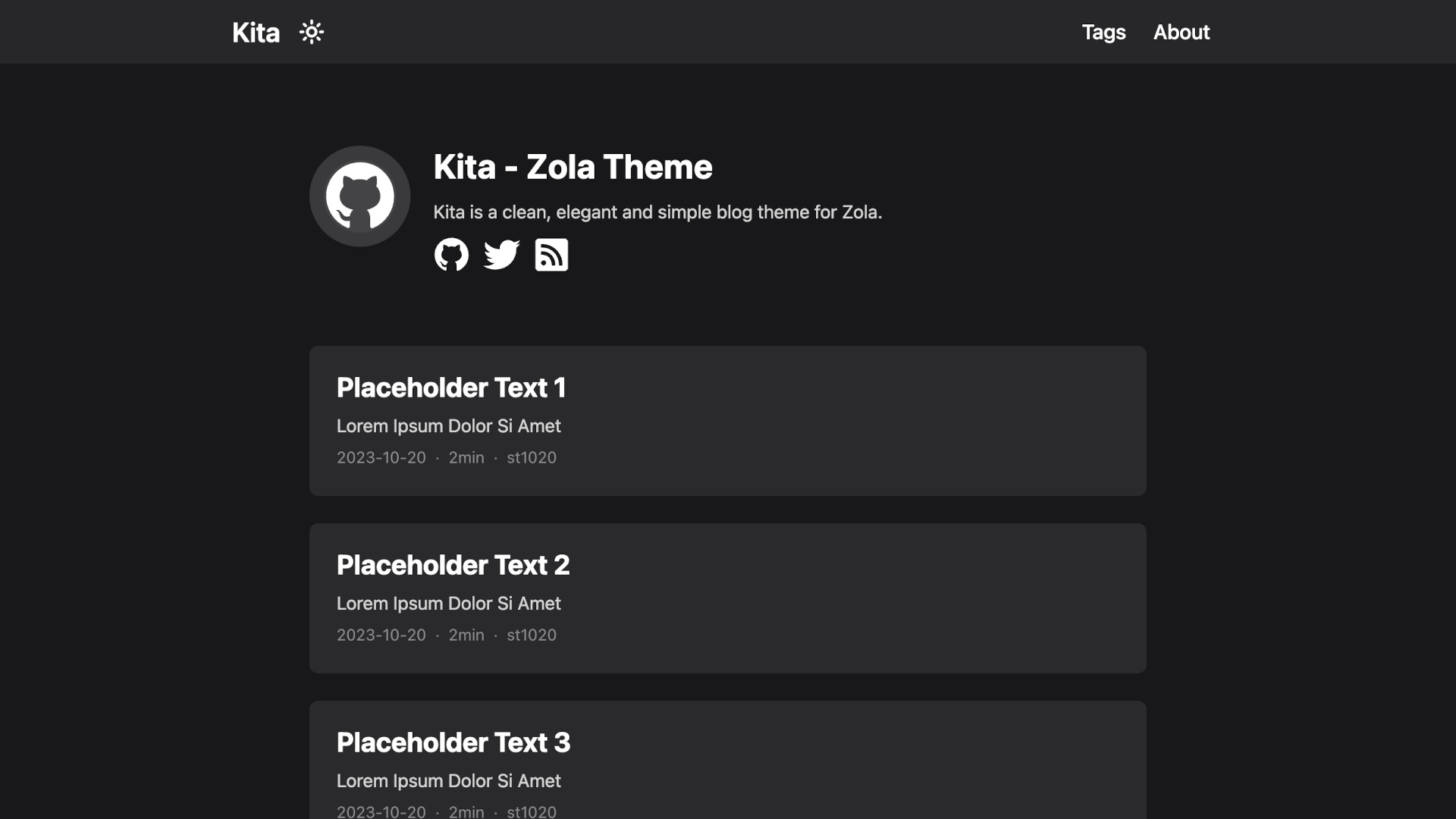
Kita is a clean, elegant and simple blog theme for Zola.
This theme is based on Hugo theme hugo-paper with some features added.
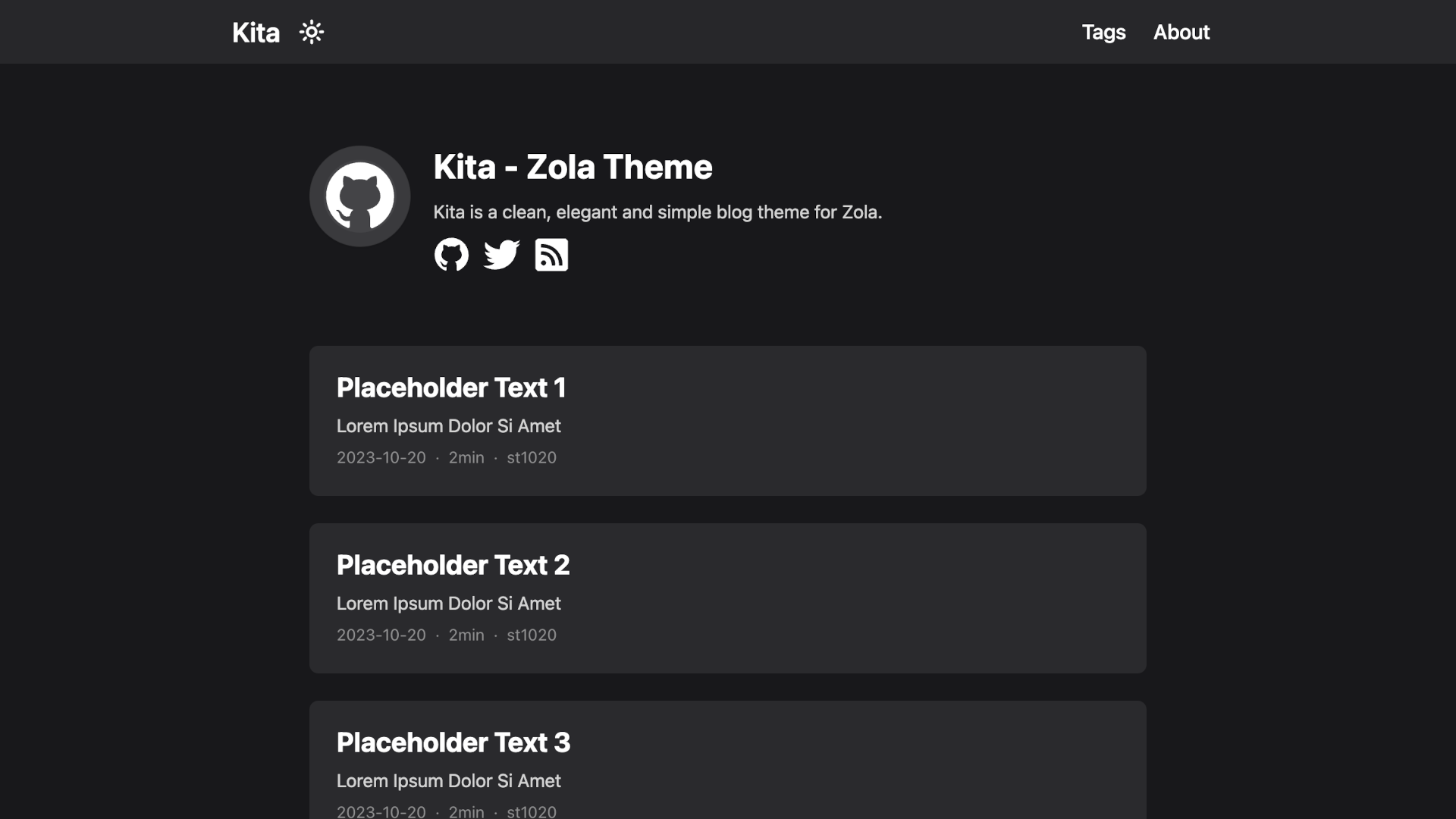
This theme does not limit your content directory structure, taxonomy names, etc. It's applicable to all zola sites.
Requires Zola 0.23.6 or newer.
The easiest way to install this theme is to clone this repository in the themes directory:
git clone https://github.com/st1020/kita.git themes/kitaOr to use it as a submodule:
git submodule add https://github.com/st1020/kita.git themes/kitaThen set kita as your theme in zola.toml.
theme = "kita"See the extra section in zola.toml as an example.
Zola 0.23 replaced shortcodes with Tera components. Update existing content to use admonition, mermaid, gallery, and inline_svg. For example:
{%/* <admonition type="note" title="Note"> */%}
Your **Markdown** content.
{%/* </admonition> */%}
See the examples for all components. Wrap literal Tera syntax in {%/* raw */%} / {%/* endraw */%} blocks inside Markdown code examples.
You can easily use inject to add new features to your side without modifying the theme itself.
To use inject, you need to add some HTML files to the templates/injects directory.
The available inject points are: head, header_nav, body_start, body_end, page_start, page_end, footer, page_info.
For example, to load a custom script, you can add a templates/injects/head.html file:
<script src="js-file-path-or-cdn-url.js"></script>Copyright (c) 2023-present, st1020