
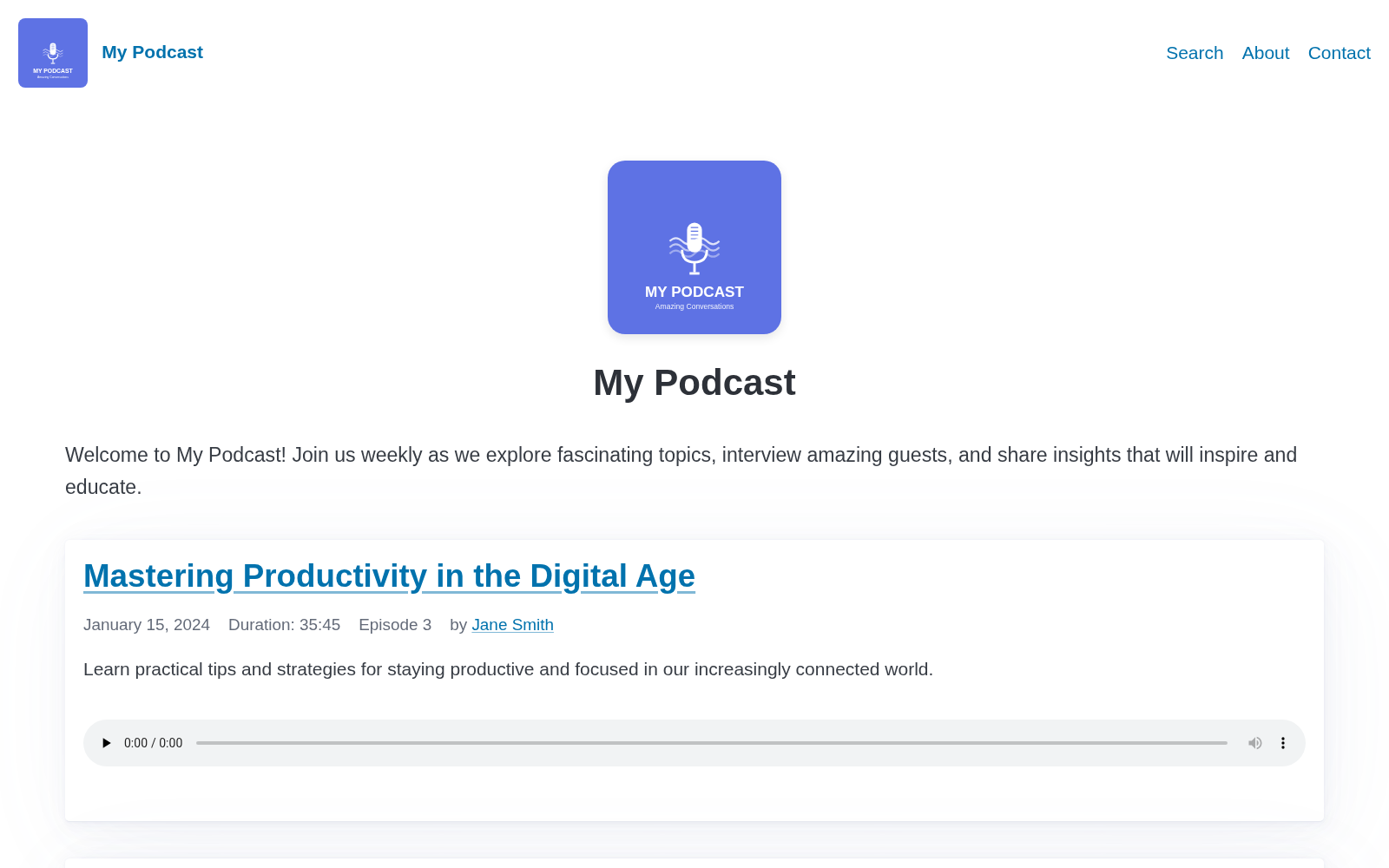
SimplePod is a Zola theme for podcasts. It has the following features:
/rss.xml
The TMPDIR Podcast (53 episodes) is published using Zola and this theme.
Zola 0.20.0 or later. Episode navigation uses page.lower and page.higher,
which replaced page.earlier and page.later in Zola 0.20.
From the root of your Zola site:
git submodule add https://github.com/cbrake/simplepod themes/simplepodThen enable the theme in config.toml:
theme = "simplepod"The root of this repository is itself a working Zola site, so you can also clone
it and run zola serve to preview the theme with the demo content in
content/. That demo doubles as a starting point: copy config.toml and
content/ into your own site, add theme = "simplepod", and replace the
episodes with your own.
SimplePod expects a specific content layout:
content/
  _index.md            # home page, lists episodes
  001-my-episode.md    # episodes live at the top level of content/
  002-another.md
  pages/
    _index.md          # section index for static pages
    about.md           # static pages live in content/pages/
    search.md          # the search page
static/
  audio/               # episode audio files
Episodes are pages at the top level of content/, so they render with
page.html. Static pages live in content/pages/ and render with
pages/page.html, which omits the audio player and episode navigation. For that
to happen, content/pages/_index.md must select the template:
+++
title = "Pages"
sort_by = "weight"
page_template = "pages/page.html"
+++
Without that page_template line, Zola falls back to page.html and your
static pages render with episode styling.
The theme reads these top-level keys from config.toml:
build_search_index = true       # required for the search page
generate_feeds = true
feed_filenames = ["rss.xml"]

[[taxonomies]]
name = "tags"

[[taxonomies]]
name = "authors"                # only if you use author pages
The rest of the configuration goes in the [extra] section.
language - Language code for the podcast (e.g., "en-us")show_copyright - Show copyright notice in footer (boolean, default: false)show_hero - Show hero section on homepage with logo/title/description
(boolean, default: true)show_season - Show the season number in episode metadata (boolean, default:
true)podcast_description - Long description of your podcast for the homepagepodcast_logo - Path to podcast logo image (e.g., "/podcast-logo.svg")feed_description - Channel <description> for the RSS feed. Defaults to the
site's description. Set this when the show blurb podcast apps display should
differ from the site's meta description.media_prefix - URL prefix for audio files. By default, files are assumed to
be in the static/audio directory if this is not set. The URL in the rss feed
is a complete URL as required by podcast engines.copyright - Copyright line for the RSS feed. Defaults to the current year
and the site title.itunes_author - Podcast author nameitunes_subtitle - One-line subtitle for the showitunes_summary - Brief podcast summary for iTunesitunes_owner_name - Podcast owner's nameitunes_owner_email - Podcast owner's emailitunes_image - Full URL to podcast cover art (1400x1400 to 3000x3000 pixels
recommended)itunes_category - Main iTunes category (e.g., "Technology")itunes_subcategory - iTunes subcategory (e.g., "Tech News")itunes_explicit - Content rating ("true" or "false")itunes_type - Podcast type ("episodic" or "serial")itunes_url - Link to your podcast on Apple Podcastsspotify_url - Link to your podcast on Spotifynav_links - Array of navigation links, each with name and url fieldscall_to_action - Text that can optionally be displayed at the top of each
page, typically one line.Setting newsletter_form_action adds an email signup form to the footer of
every page, and a second copy on the home page below the hero. The form posts an
email_address field, which matches what hosted newsletter services such as
Kit, Buttondown, and Mailchimp expect, so the value is the POST endpoint given
by your provider. Leave the key out and the form is not rendered.
newsletter_form_action - POST endpoint for the signup form, for example
https://app.kit.com/forms/1234567/subscriptionsnewsletter_title - Heading above the form (optional, defaults to "Subscribe
to the newsletter")newsletter_description - A sentence describing what subscribers receive
(optional)fathom_site_id - Fathom Analytics site ID (optional). If set, includes
Fathom tracking scriptEpisodes are stored as markdown files directly in the content/ directory. Each
episode should include the following in its front matter:
+++
title = "Episode Title"
date = 2024-01-01
description = "Shown on the episode list and in the RSS feed."

[taxonomies]
tags = ["interview"]
authors = ["Jane Smith"]          # Optional, requires the authors taxonomy

[extra]
audio_file = "audio/episode-001.mp3"  # File should be in static/audio/
duration = "35:42"                    # Format: MM:SS or HH:MM:SS
episode_number = 1
season = 1                            # Optional
audio_length = "12345678"             # Optional, file size in bytes
audio_type = "audio/mpeg"             # Optional, defaults to audio/mpeg
episode_type = "full"                 # Optional: full, trailer, or bonus
itunes_subtitle = "A one-line teaser" # Optional
itunes_summary = "A longer summary."  # Optional, falls back to description
itunes_explicit = "false"             # Optional, falls back to the site value
itunes_image = "https://..."          # Optional, falls back to the site value
transcript = "transcripts/001.txt"    # Optional, adds a download link
guid = "https://example.com/001.mp3"  # Optional, see below
show_notes = """
## Links mentioned

- [Our website](https://example.com)
"""
+++
audio_length is the size of the audio file in bytes. Podcast clients use it
for download progress, so it is worth setting.
guid is the identifier podcast clients use to tell episodes apart, and it
defaults to the episode's permalink. Set it only when moving a published podcast
onto this theme: give each episode the guid its old feed used, or subscribers'
clients will treat the whole back catalogue as new episodes and download it
again. Once an episode is published, its guid must never change.
To publish the feed at a path other than /rss.xml, which a move from another
generator may require, add the path to feed_filenames and create a wrapper
template of the same name:
{%/*- set feed_path = "episode/index.xml" -*/%}
{%/*- include "rss.xml" -*/%}SimplePod ships a client-side search page built on the search index Zola generates. To enable it:
Set build_search_index = true in config.toml.
Create content/pages/search.md:
+++
title = "Search"
template = "search.html"
+++
Add a link to it in nav_links.
Search runs entirely in the browser against search_index.<lang>.js and the
copy of elasticlunr.min.js that Zola writes to the output directory. No
external services or CDNs are involved.
Declaring the tags and authors taxonomies in config.toml gives you listing
pages at /tags/ and /authors/, plus a page per tag and per author. The
episode list and episode pages link to them automatically when an episode
declares those taxonomies.
| Template | Used for |
|---|---|
base.html | Shared layout: head, nav, footer |
index.html | Home page and episode list |
page.html | A single episode |
pages/page.html | A static page in content/pages/ |
section.html | A section index, such as /pages/ |
search.html | The search page |
tags/list.html | All tags |
tags/single.html | Episodes with one tag |
authors/list.html | All authors |
authors/single.html | Episodes by one author |
rss.xml | The iTunes-compatible feed at /rss.xml |
The audio files under static/audio/ are short generated tones, present only so
the demo site has a working player. Replace them with your own episodes.
Run zola serve from the root of this repository to preview the theme against
the demo content. envsetup.sh defines sp_format, which runs Prettier over
the markdown and CSS files.
Versions follow Semantic Versioning, and
CHANGELOG.md records what changed in each one. The version
describes the upgrade: a major release means editing config.toml, the episode
front matter, or a template you have overridden, while a minor or patch release
does not.
Installing the theme as a submodule pins it to whatever commit you added, so upgrading is deliberate:
cd themes/simplepod
git fetch --tags
git checkout v0.1.0
cd ../..
git add themes/simplepodMIT. See LICENSE.