
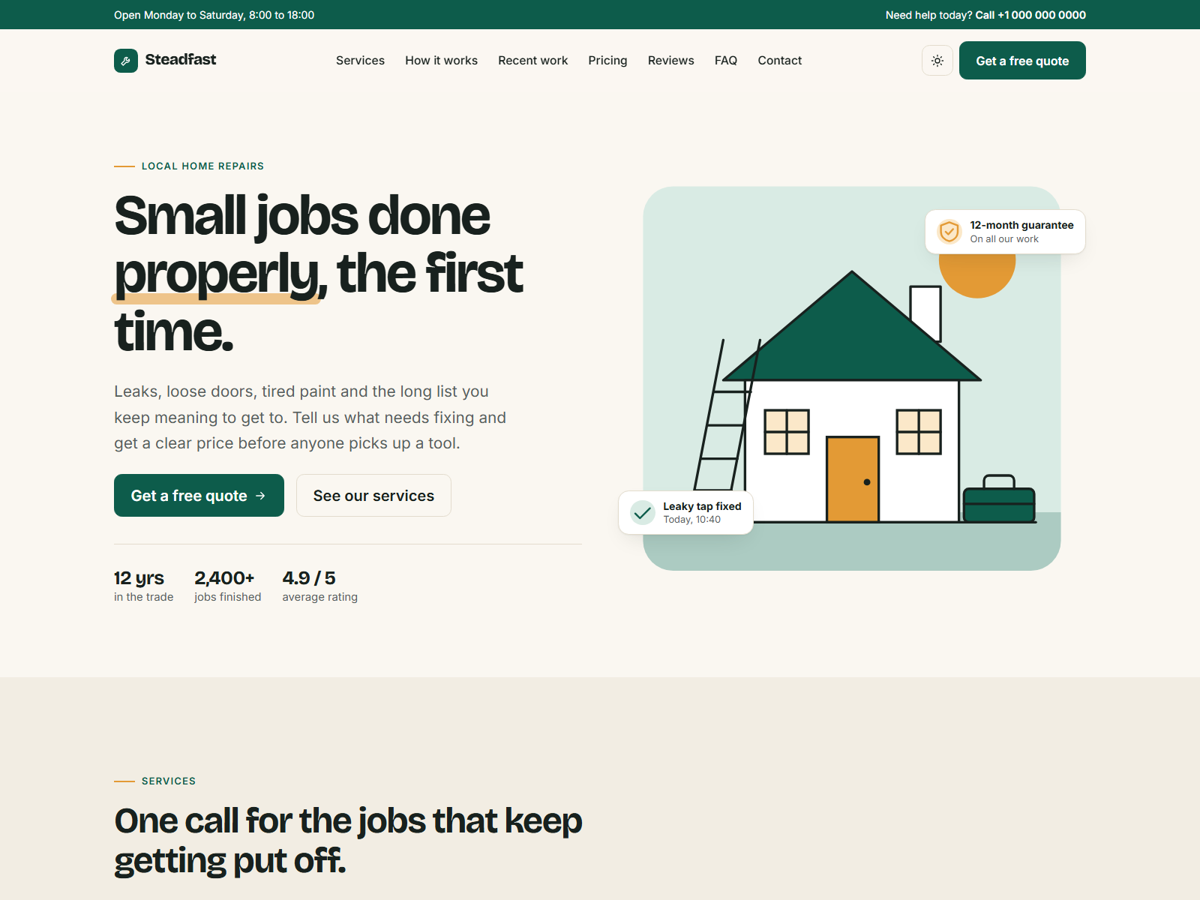
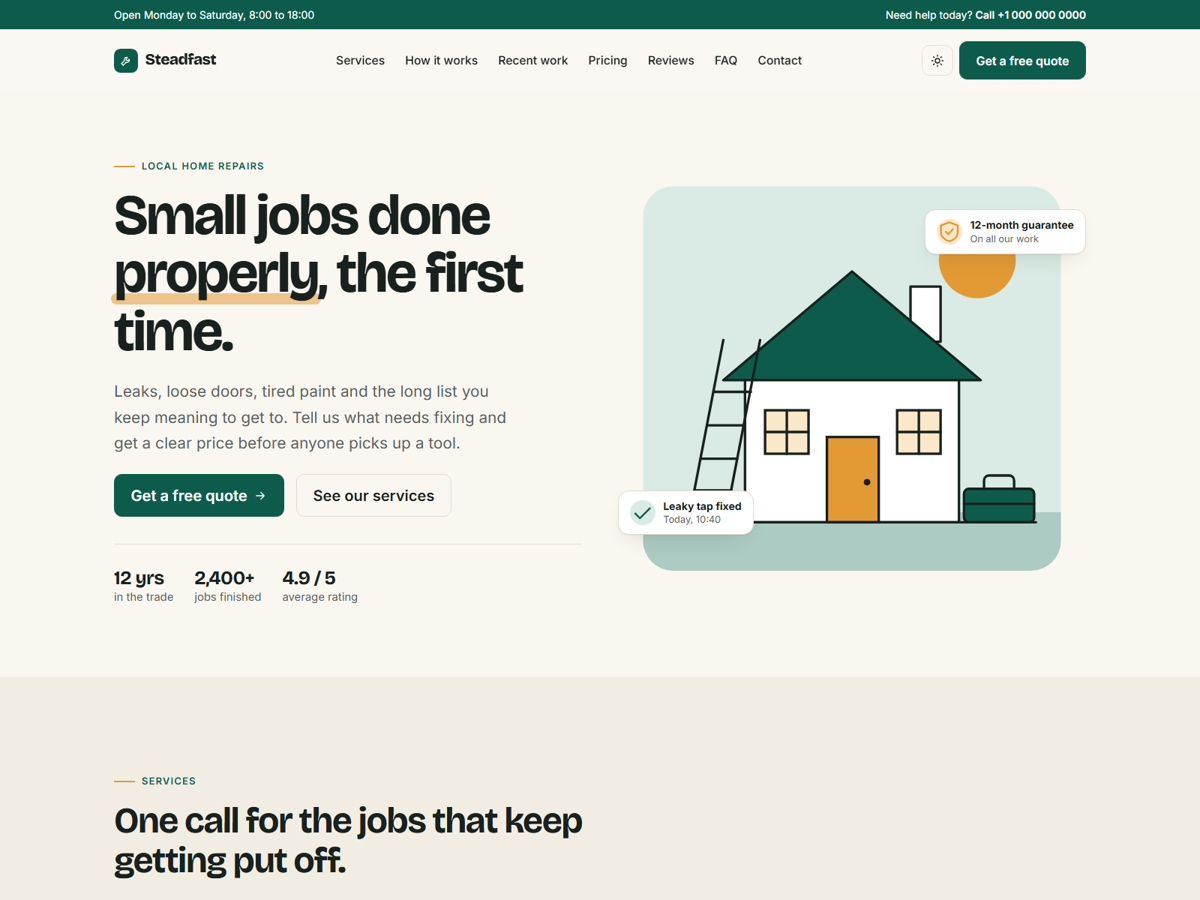
A one-page Zola theme for small service businesses: tradespeople, repair shops, cleaners, gardeners and anyone else who sells their time locally. All the text lives in your content file, so you can launch a site without touching a template.
Add the theme to your site as a git submodule:
git submodule add https://github.com/ello-lithuania/steadfast-zola.git themes/steadfastThen enable it in config.toml:
theme = "steadfast"Copy content/_index.md from the theme to your own content/ folder and edit the text.
These values are shared across the whole site. Add them under [extra] in config.toml to override the defaults in the theme:
[extra]
brand = "Your Business"
brand_icon = "wrench"
tagline = "One sentence about what you do."
topbar_text = "Open Monday to Saturday, 8:00 to 18:00"
phone = "+1 000 000 0000"
phone_href = "+10000000000"
email = "hello@example.com"
cta_label = "Get a free quote"
cta_url = "#contact"
og_image = "assets/og.jpg"
credit = true
nav = [
  { name = "Services", url = "#services" },
  { name = "Contact", url = "#contact" },
]
footer_columns = [
  { title = "Company", links = [{ name = "Services", url = "#services" }] },
]
Links starting with # point to sections on the home page and work from any page. Links starting with / are resolved against your base_url.
The icons available for brand_icon and the service cards are: wrench, bolt, drop, brush, door, leaf, check, phone, mail, pin, clock, shield and star.
The home page reads from the [extra] tables in content/_index.md: hero, services, process, work, pricing, reviews, faq, contact and cta. Delete a table to remove that section, and remember to remove its link from nav as well.
The reviews in the demo are placeholder text. Replace them with real reviews from your own customers.
To use photos instead of the illustrations, put the files in static/assets/ and set image and image_alt on a hero or a work item:
{ image = "assets/kitchen.jpg", image_alt = "New kitchen tap", tag = "Plumbing", title = "Kitchen mixer replaced", text = "Done in under an hour." }Without any setup, the form only validates in the browser and shows a demo message. Set form_action in the contact table to your form service or backend to start receiving messages:
form_action = "https://example.com/your-form-endpoint"The colours are CSS variables named --sf-* at the top of static/assets/css/style.css, one set for light mode and one for dark mode. To change them, copy that file to static/assets/css/style.css in your own site. Fonts (Bricolage Grotesque and Inter) load from Google Fonts in templates/base.html.
Designed and built by KokybiskaSvetaine.lt. The footer credit can be turned off with credit = false.
Uses Bootstrap (MIT), Bricolage Grotesque and Inter (SIL Open Font License).
MIT. See the licence file.