
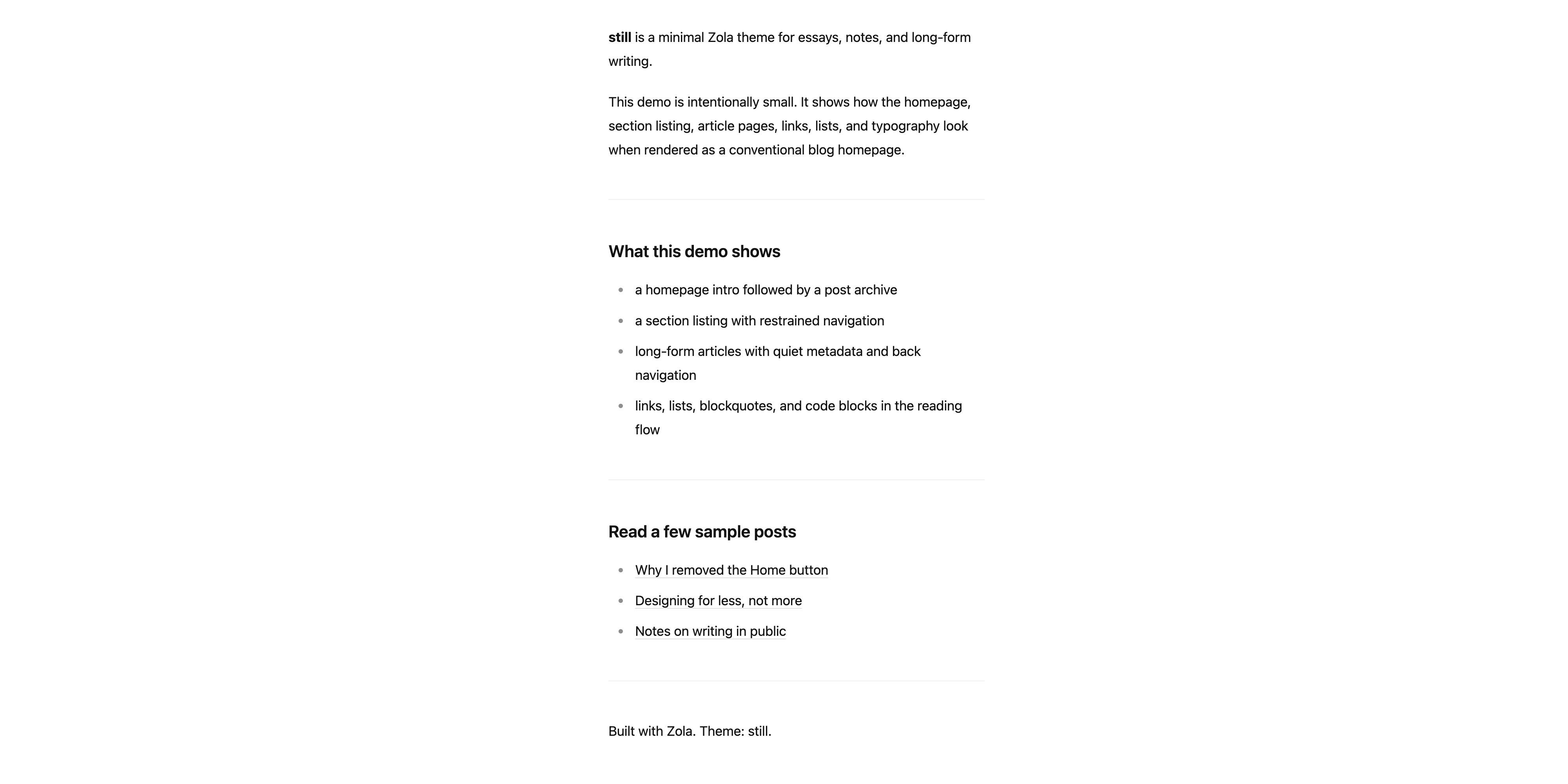
still is a minimal Zola theme for personal blogs, essays, notes, and other reading-first sites.
The theme keeps the structure intentionally spare:
generate_feeds = trueA live demo is available here:
This repository also serves as the demo site source, so the files in content/, templates/, and sass/ double as working examples for the theme.
Create a new Zola site:
zola init myblog
cd myblog
Add the theme under themes/still:
git submodule add https://github.com/wjianbo/zola-theme-still themes/stillEnable the theme in config.toml:
theme = "still"
compile_sass = true
build_search_index = falseA small site configuration can look like this:
base_url = "https://example.com"
title = "My Blog"
description = "Notes, essays, and writing."
author = "Your Name"
default_language = "en"
theme = "still"
compile_sass = true
build_search_index = false
generate_feeds = true
feed_filenames = ["atom.xml"]

[extra]
still_date_format = "%Y-%m-%d"
still_show_author = true
Then add content like this:
content/
├── _index.md
└── posts/
    ├── _index.md
    └── my-first-post.md
Example content/_index.md:
+++
title = "My Blog"
+++

Welcome to my site. This introduction will appear above the post list on the homepage.
Example content/posts/_index.md:
+++
title = "Posts"
sort_by = "date"
+++
Example content/posts/my-first-post.md:
+++
title = "My First Post"
date = 2026-03-22
+++

Hello world.These optional values can be set in your site config.toml:
[extra]
still_date_format = "%Y-%m-%d"
still_show_author = truedefault_language: controls the HTML lang attribute.still_date_format: used on the homepage, section pages, and post pages.still_show_author: shows or hides the footer signature when author is set in the main site config.generate_feeds and feed_filenames: add an Atom or RSS <link rel="alternate"> tag in the page head.content/_index.md.content/posts/.extra.location, it is displayed next to the author in the post footer.Preview the theme from this repository with:
zola serveOr from a separate Zola site that uses the theme:
zola serveThen open the local server shown by Zola, usually http://127.0.0.1:1111.
This repository includes a GitHub Actions workflow that builds the demo site and publishes it to the gh-pages branch.
To enable it:
gh-pages branch and the /(root) folder.main.The workflow runs on every push to main and updates the published files in gh-pages.
The goal of still is to remove structural noise without removing the basic affordances a blog still needs: