
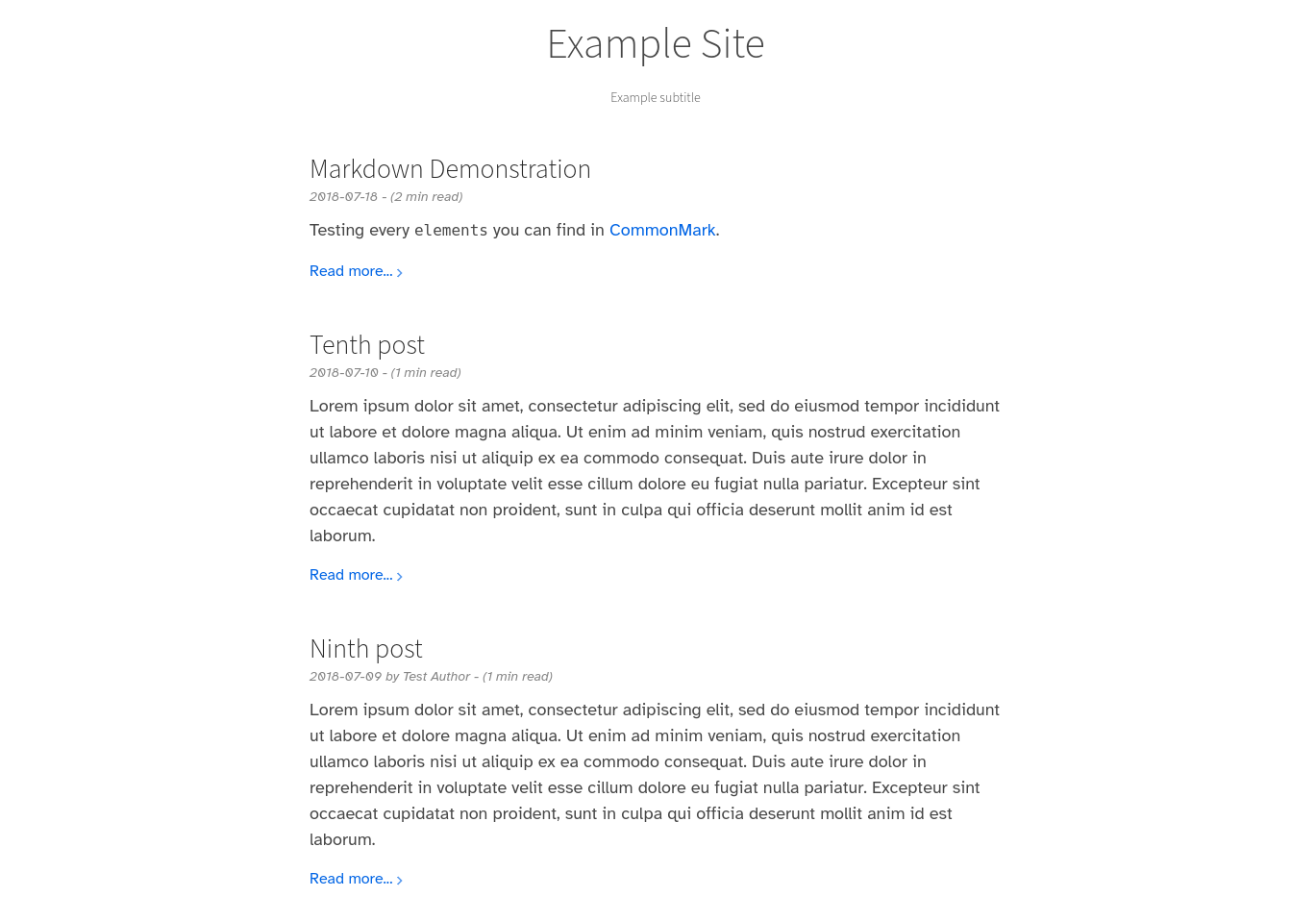


Requires Zola 0.23 or newer.
First download this theme to your themes directory:
$ cd themes
$ git clone https://github.com/lukehsiao/zola-pickles.git
and then enable it in your zola.toml:
theme = "zola-pickles"The theme requires putting the posts in the root of the content folder and to enable pagination, for example in content/_index.md.
+++
paginate_by = 5
sort_by = "date"
insert_anchor_links = "right"
+++[extra]
# A line to display underneath the main title
subtitle = "Example subtitle"
# Text to display in the footer of the page
copyright = "Copyright authors year"
# Your Google Analytics ID
analytics = ""
# See below
katex_enable = false
# See below
instantpage_enable = falseA full example configuration is included in zola.toml.
Note how pickles also expects title and description to also be set in the Zola configuration.
This theme contains math formula support using KaTeX, which can be enabled by setting katex_enable = true in the extra section of zola.toml.
After enabling this extension, the katex component can be used in documents:
{%/* <katex block={true}> */%}\KaTeX{%/* </katex> */%} to typeset a block of math formulas,
similar to $$...$$ in LaTeXThe KaTeX assets are wrapped in a katex template block, so a site can replace the default setup without copying the whole base template.
(To merely add scripts after it, use the extra_head block instead.)
The theme's other templates extend index.html by its bare name, so one site-level override applies to every page.
For example, to drop the math/tex script-tag renderer and use KaTeX's auto-render extension, which typesets $$...$$ in your markdown directly, create templates/index.html in your site containing:
{%/* extends "zola-pickles/templates/index.html" */%}

{%/* block katex */%}
{%/* if config.extra.katex_enable */%}
<link rel="stylesheet" href="{{/* get_url(path="css/katex.min.css") */}}">
<script defer src="{{/* get_url(path="js/katex.min.js") */}}"></script>
<script defer src="{{/* get_url(path="js/auto-render.min.js") */}}"
    onload="renderMathInElement(document.body, {throwOnError: false});"></script>
{%/* endif */%}
{%/* endblock katex */%}
The theme ships auto-render.min.js version-locked to its bundled KaTeX, so there is nothing else to vendor.
Note that raw TeX written in markdown passes through the markdown parser before KaTeX sees it: \\ row separators and expressions like $a*b$ get mangled on the way.
The katex component bypasses the markdown parser entirely, which makes it the robust choice for multiline environments like align, but it is rendered by mathtex-script-type.min.js.
The recipe above drops that renderer, silently disabling the component; keep its <script> line alongside auto-render if you want both.
The figure component is convenient for captioning figures.
{%/* <figure link="https://www.example.com/" src="https://www.example.com/img.jpeg" alt="sample alt text"> */%}
Your caption here.
{%/* </figure> */%}The table component is convenient for making mobile-friendly tables (centered with overflow scrollbar).
{%/* <table> */%}
| Item         | Price | # In stock |
| :----------- | ----: | ---------: |
| Juicy Apples |  1.99 |        739 |
| Bananas      |  1.89 |          6 |
{%/* </table> */%}This theme includes fontawesome, so that fontawesome icons can be directly used.
The theme contains instant.page prefetching. This can be enabled by setting instantpage_enable = true in the extra section of zola.toml.
By default, the theme will use the first 280 characters of your post as a summary, if a proper page summary using <!-- more --> is not provided.
For more sensible summaries, we recommend using the manual more indicator.