
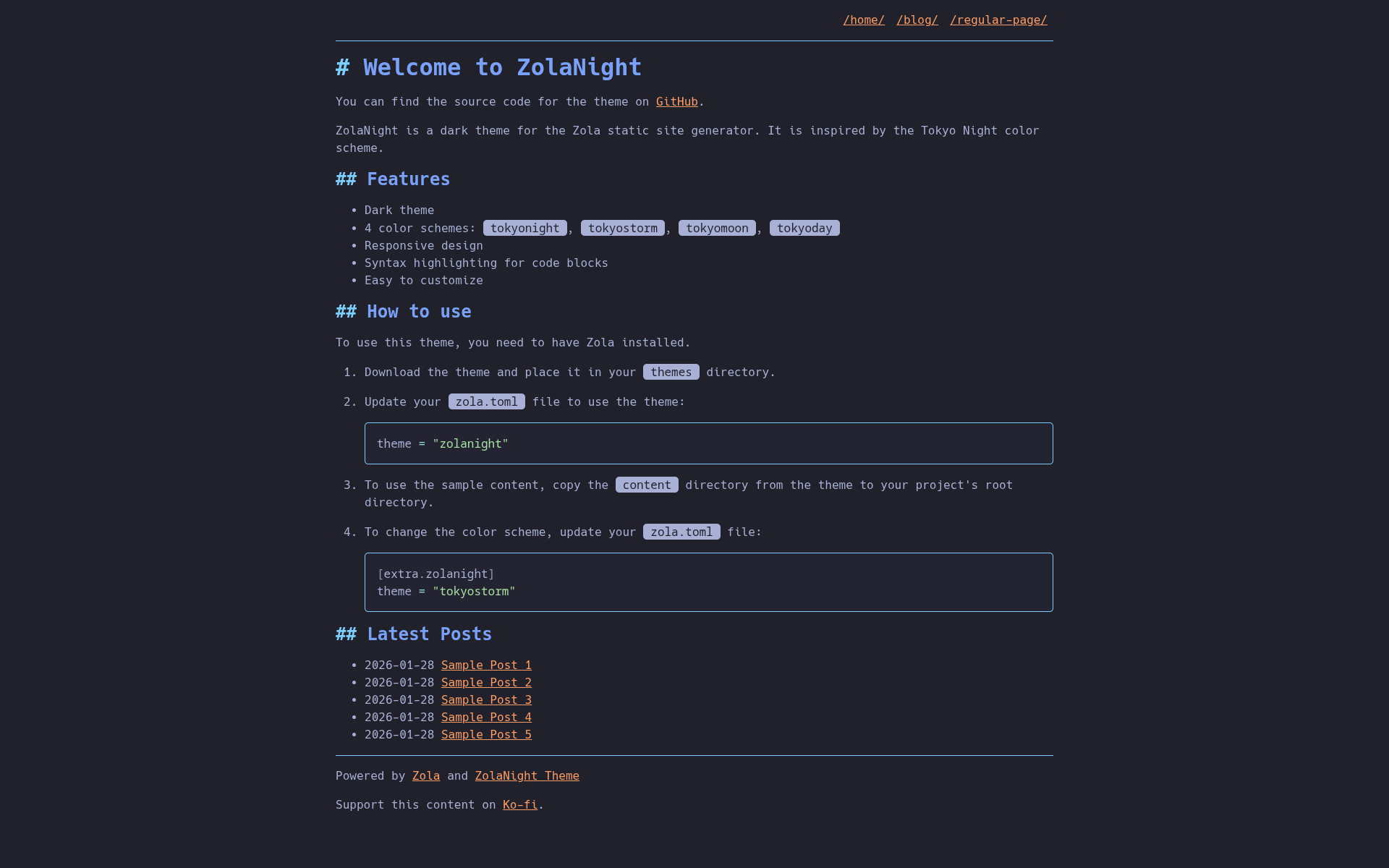
ZolaNight is a dark theme for the Zola static site generator, inspired by the Tokyo Night color palette. It's designed to be lightweight and focus on clear content presentation.
Explore a live demo of the ZolaNight theme here: https://zolanight.codedmaster.com
You can find my personal blog using this theme at codedmaster.com
tokyonight (default),
tokyostorm, tokyomoon, and tokyoday.catppuccin-mocha theme.Source Code Pro font for a modern,
readable appearance.Download the Theme: Place the zolanight theme directory into your Zola
site's themes folder.
Enable the Theme: Update your config.toml (or zola.toml) file to use
the theme:
theme = "zolanight"Optional: Sample Content: To see the theme in action with pre-filled
content, copy the content directory from the theme repository into your
project's root directory.
Change Color Scheme: Customize the color scheme by adding the following
to your config.toml (or zola.toml) under the [extra.zolanight] section:
[extra.zolanight]
theme = "tokyostorm" # Choose from "tokyonight", "tokyostorm", "tokyomoon", "tokyoday"The zola.toml file contains the following theme-specific configurations:
base_url = "https://zolanight.codedmaster.com"       # Your site's base URL
title = "ZolaNight Theme Demo"                       # Your site's title
description = "A demo site for the ZolaNight theme." # Your site's description
compile_sass = true                                  # Enable Sass compilation
generate_feeds = true                                # Generate RSS/Atom feeds
feed_limit = 10                                      # Number of items in feeds
feed_filenames = ["atom.xml"]                        # Feed filenames
taxonomies = [{ name = "tags" }]                     # Enable tags taxonomy

[markdown.highlighting]
theme = "catppuccin-mocha" # Code highlighting theme

[extra.zolanight]
theme = "tokyonight"               # Default theme, override as shown above
home_list_latest_blog_posts = true # Toggles latest posts on homepage
google_analytics_id = ""           # Set a GA ID to use with analytics snippet
ko_fi_url = "" # Link to your Ko-fi page for donations.This theme is licensed under the MIT License.